

Imagine this: you’ve just snagged a shiny new iPhone, only to find it’s locked tighter than a vault at Fort Knox. What does that even mean? Is it a secret agent phone? A high-tech paperweight? In reality, a locked iPhone is simply a device that’s tied to a specific carrier, meaning you can’t just pop in any SIM card and start calling your grandma.
Understanding iPhone Lock Status
A locked iPhone restricts use to a specific carrier. This limitation affects how users manage their devices and SIM cards.
Locked vs. Unlocked iPhones
A locked iPhone can only operate with the carrier it’s tied to. Users cannot switch carriers without unlocking the device. An unlocked iPhone, however, offers flexibility. It allows users to insert SIM cards from various carriers. This difference is crucial for individuals who travel frequently or want to change carriers easily.
Types of Locks on iPhones
Different types of locks exist on iPhones, influencing user options. Carrier locks tie the device to a specific mobile network, preventing use on others. iCloud locks protect personal data, ensuring that only the owner can access information. Activation locks deter unauthorized use after the device is reset. Each type plays a significant role in device security and usability.
Common Reasons for an iPhone Being Locked
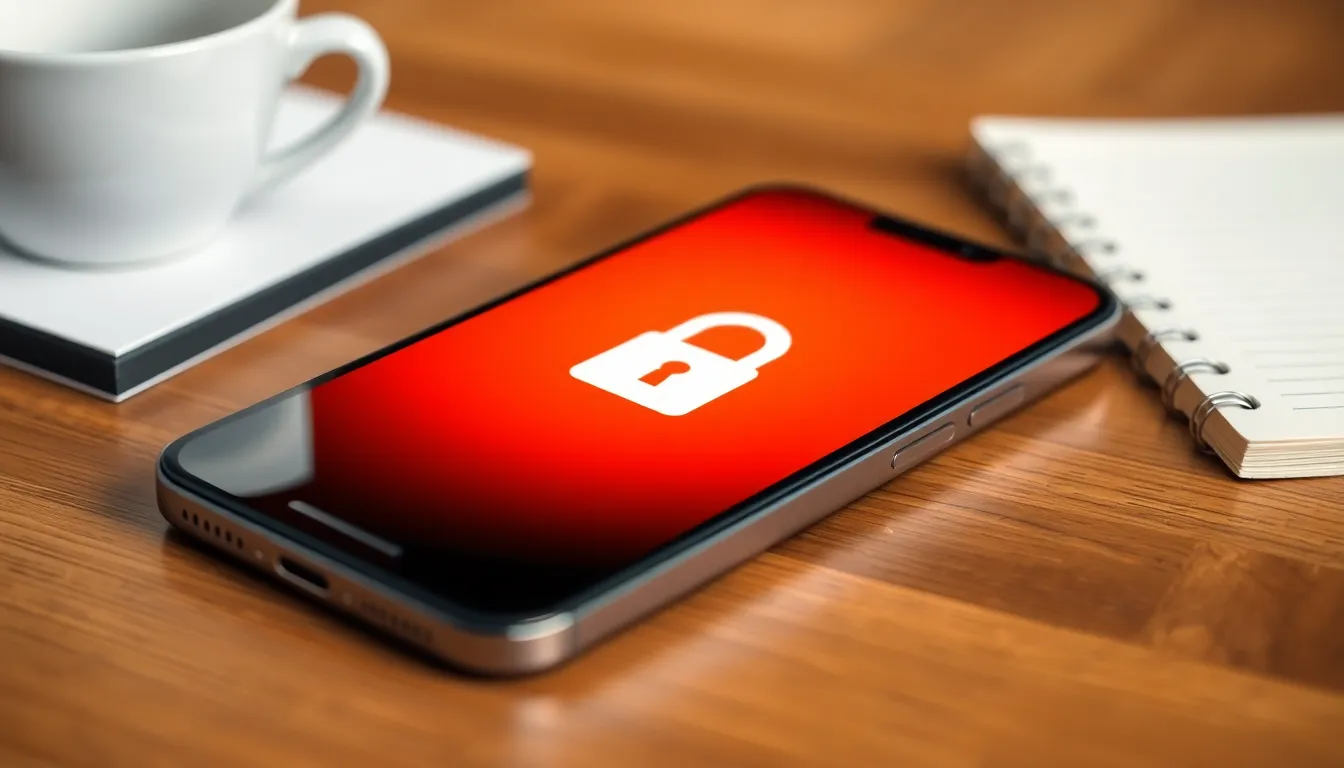
Many factors contribute to an iPhone being locked. Understanding these reasons can clarify the device’s limitations and functionalities.
Carrier Lock
Carrier lock restricts an iPhone’s use to a specific telecommunications provider. Users cannot seamlessly switch out the SIM card for a different carrier. This lock typically occurs when a device is purchased through a carrier with a service agreement. Users may encounter restrictions until they fulfill contract terms or pay any outstanding balances. Checking the device’s status with the carrier can provide insights on unlocking options.
iCloud Lock
iCloud lock enhances security by requiring an Apple ID and password for access. A device becomes locked if the previous owner did not remove their iCloud account properly. If users forget their credentials, regaining access can prove challenging. This lock secures the device from unauthorized use, making it vital for individuals purchasing second-hand phones to verify activation lock status before buying.
SIM Lock
SIM lock specifically limits a phone’s functionality to a single SIM card type or carrier. Users may experience difficulties using local SIM cards when traveling abroad. This limitation can affect data and calling capabilities when switching networks. Users typically encounter SIM locks on devices purchased under specific contracts, and contacting the carrier often provides the best route for unlocking assistance.
Implications of a Locked iPhone
A locked iPhone carries significant implications for users. Understanding these aspects assists potential and current iPhone owners in navigating their device experience more effectively.
Limitations on Usage
Users face numerous limitations with a locked iPhone. A locked device restricts access to only the carrier it belongs to, preventing the use of alternative networks. Travelers encounter difficulties when trying to switch to local SIM cards to save on data fees. Limited compatibility with different carriers hinders the phone’s performance outside its intended region. Often, users must wait until contract obligations are fulfilled before enjoying the freedom of choosing another service provider. Unlocking typically requires contacting the carrier and meeting specific criteria, adding extra steps to the process.
Impact on Resale Value
Locked iPhones often experience reduced resale value compared to unlocked models. A potential buyer may hesitate knowing the phone incorporates stringent carrier restrictions. Sellers encounter challenges in attracting buyers who prefer unlocked devices for flexibility. Many buyers actively seek unlocked options to avoid dealing with carrier limitations, which can drive the market towards unlocked devices. In some cases, the effort to unlock the device can become an obstacle for interested parties. Overall, the resale market reflects these preferences, with unlocked iPhones generally commanding a higher price.
How to Unlock an iPhone
Unlocking an iPhone allows users to access various carriers, enhancing flexibility. Several methods exist for unlocking a device, catering to different user needs.
Official Methods
Apple and carriers provide official methods to unlock iPhones. Contacting the carrier often yields the best results. Users must verify eligibility, which typically includes completing contract terms or paying off the device. Carriers generally require the device’s IMEI number for this process. After meeting the criteria, carriers send instructions for unlocking. Apple support can also assist, especially for iCloud and activation locks. Verification of Apple ID and password is crucial for this method.
Third-Party Services
Third-party services offer alternative solutions for unlocking devices. Some of these services can unlock iPhones not eligible for carrier unlocking. Users should research and compare prices and reviews before choosing a service. Many services operate online, requiring the device’s IMEI number and payment. Success rates vary, and some services may not guarantee a successful unlock. Caution is vital when selecting third-party services to avoid potential scams or device issues.
Understanding what it means for an iPhone to be locked is essential for users navigating their mobile options. A locked device limits access to a specific carrier and can complicate switching providers or using local SIM cards while traveling. It’s crucial for users to be aware of the different types of locks and their implications on usability and resale value.
For those seeking flexibility and broader connectivity, unlocking the iPhone is a viable option, though it often requires fulfilling certain criteria. With the right knowledge and approach, users can make informed decisions about their devices and enjoy the freedom that comes with an unlocked phone.

